
Graphic Design for Websites: Beyond Decoration
Grid, typography, contrast and hierarchy: the graphic design principles that make a business website readable, credible and, in the end, genuinely profitable.
Read morePace, format, weight and subtitles: why editing decides whether a video works on a website, and how to embed it without wrecking performance.

Photo Hunter Moranville on Unsplash
A video on a website is not entitled to an introduction. The visitor decides within four seconds whether to keep watching. That is precisely the editor’s job: remove everything that delays the first useful piece of information. A camera worth thousands will never rescue a slack edit.
On the web, average retention collapses after thirty seconds. So the editor works by subtraction: cutting silences, breaths, warm-up sentences and transition shots that carry no information. A twelve-minute interview becomes a ninety-second sequence that is denser and more convincing than the original. That is not mutilation, it is writing.
More than 80% of videos start muted on mobile. Without subtitles your message simply does not exist. For a Tunisian audience, plan at minimum a French and an Arabic version; Arabic subtitling requires right alignment and a suitable typeface, otherwise legibility falls apart. Burnt-in subtitles work everywhere, but a separate caption file is preferable on your own site: it is indexable and translatable.
A well-edited video on a service page mechanically increases time on page and contact rate. A raw ten-minute file on autoplay does exactly the opposite. Between the two there is no hardware difference: there is editing.
Grid, typography, contrast and hierarchy: the graphic design principles that make a business website readable, credible and, in the end, genuinely profitable.
Read more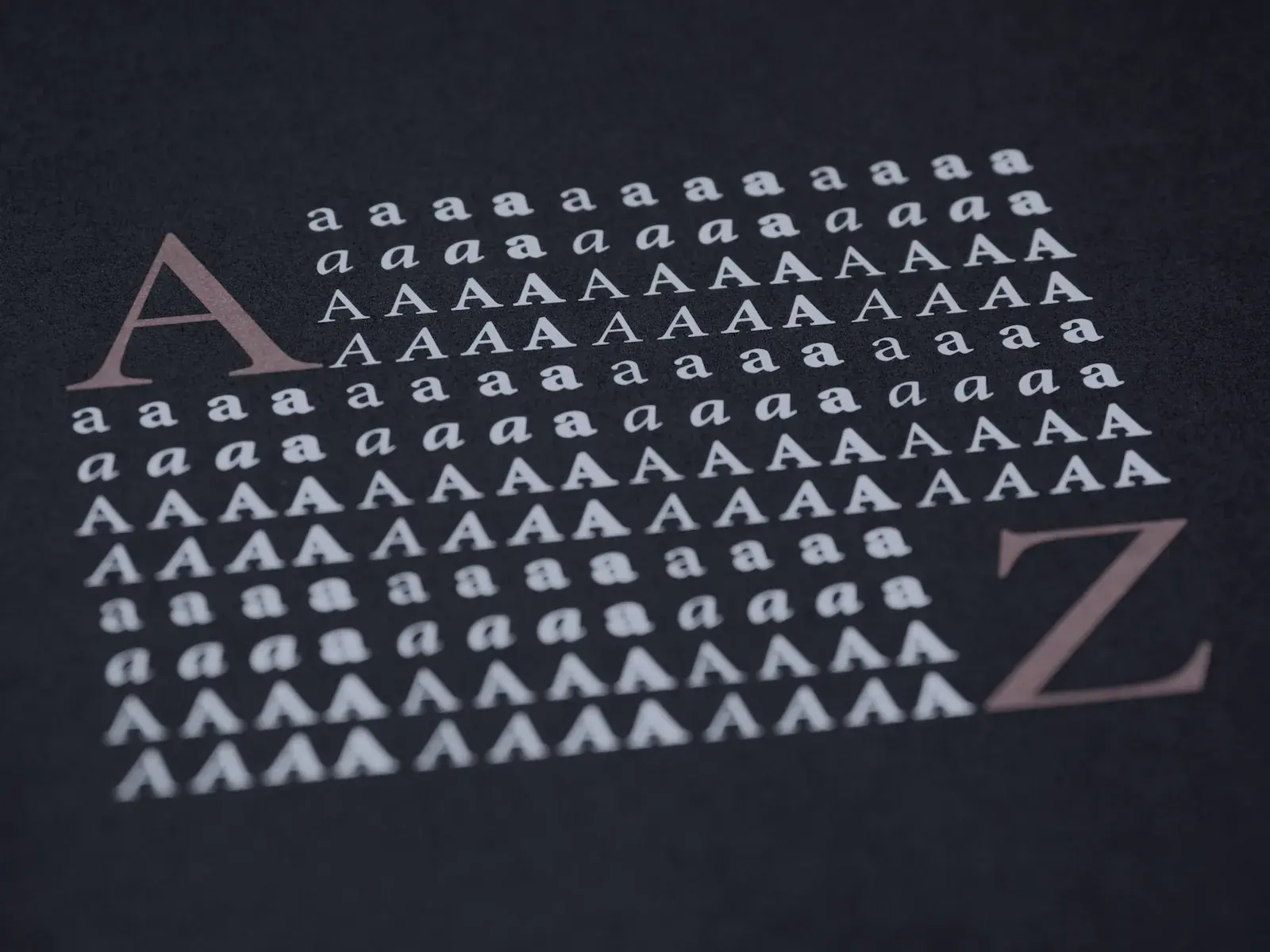
Visual processing, memory and cognitive load: why an image works faster than any sentence, and how to turn that head start into conversions on your website.
Read more
The three reasons to build an e-commerce site: sell without intermediaries, take back control of your margins, and turn a buyer into a loyal customer.
Read moreLet's talk. We reply within 24 h, with a free quote and no strings attached.